



$ 14.44
Software y licencias · Consultar requisitos · Global
Producto digital. Comprueba la región y las condiciones de activación antes de comprar.
Antes de comprar: indicaciones del proveedor
Región declarada: Global. Las condiciones específicas de activación se detallan debajo.
Instrucciones de activación en español
Instrucciones originales del proveedor
Hay existencias
Preguntar por este productoInformación del producto
- Plataforma: Consultar requisitos
- Región: Global
- Formato: código digital
Antes de comprar
Verifica que la plataforma, la moneda y la región sean compatibles con la cuenta donde usarás el código. No es un producto físico.
Descripción del producto
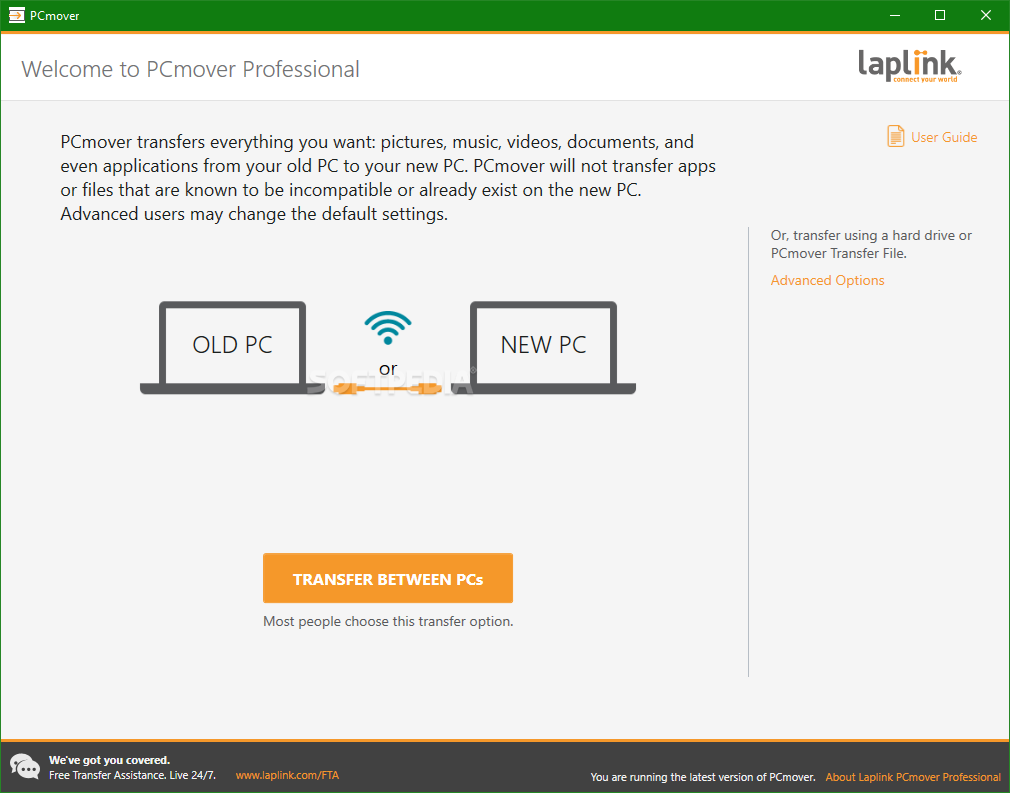
PCmover Professional is the ONLY software that automatically moves your applications, files, settings, and even user profiles from an old PC to a new one, or old operating system to a new one. And because most transferred applications are installed ready-to-use on the new PC, there’s usually no need to find old CDs, previously downloaded programs, serial numbers or license codes.* PCmover Professional is the easiest way to restore or move to a new PC without leaving anything behind, even when there are different versions of Windows on the old and new PC. Nothing is changed on the old PC and nothing is overwritten on the new PC. *Applications may require re-entry of a license code or re-activating on the new PC. Certain system settings and applications may not be transferred due to their incompatibility with the operating system on the new PC.
Activación
2. Haz doble clic en el archivo EXE de PCmover en la carpeta donde lo guardaste, normalmente Descargas.
3. Sigue las indicaciones del asistente de instalación. Al terminar, pulsa «Finish» (Finalizar).
4. Puedes ejecutar PCmover desde el menú Inicio de Windows. Cuando se solicite «Serial Number» (Número de serie), introduce el código de licencia de PCmover que recibiste; «XXXXXXXXXXXX» en el texto del proveedor es solo un marcador.
| Plataforma | Consultar requisitos |
|---|---|
| Región de activación | Global |
| Tipo de producto | Software y licencias |
Sé el primero en valorar “PCmover Professional Key (1 Use / 1 PC)”
Productos relacionados

Códigos digitales
Hay existencias
Valoraciones
No hay valoraciones aún.