



$ 3.24
Software y licencias · Consultar requisitos · Global
Producto digital. Comprueba la región y las condiciones de activación antes de comprar.
Antes de comprar: indicaciones del proveedor
Región declarada: Global. Las condiciones específicas de activación se detallan debajo.
Instrucciones de activación en español
Descarga la versión de prueba desde https://download.tuxera.com/mac/tuxerantfs_latest.dmgor o mediante el sitio oficial.
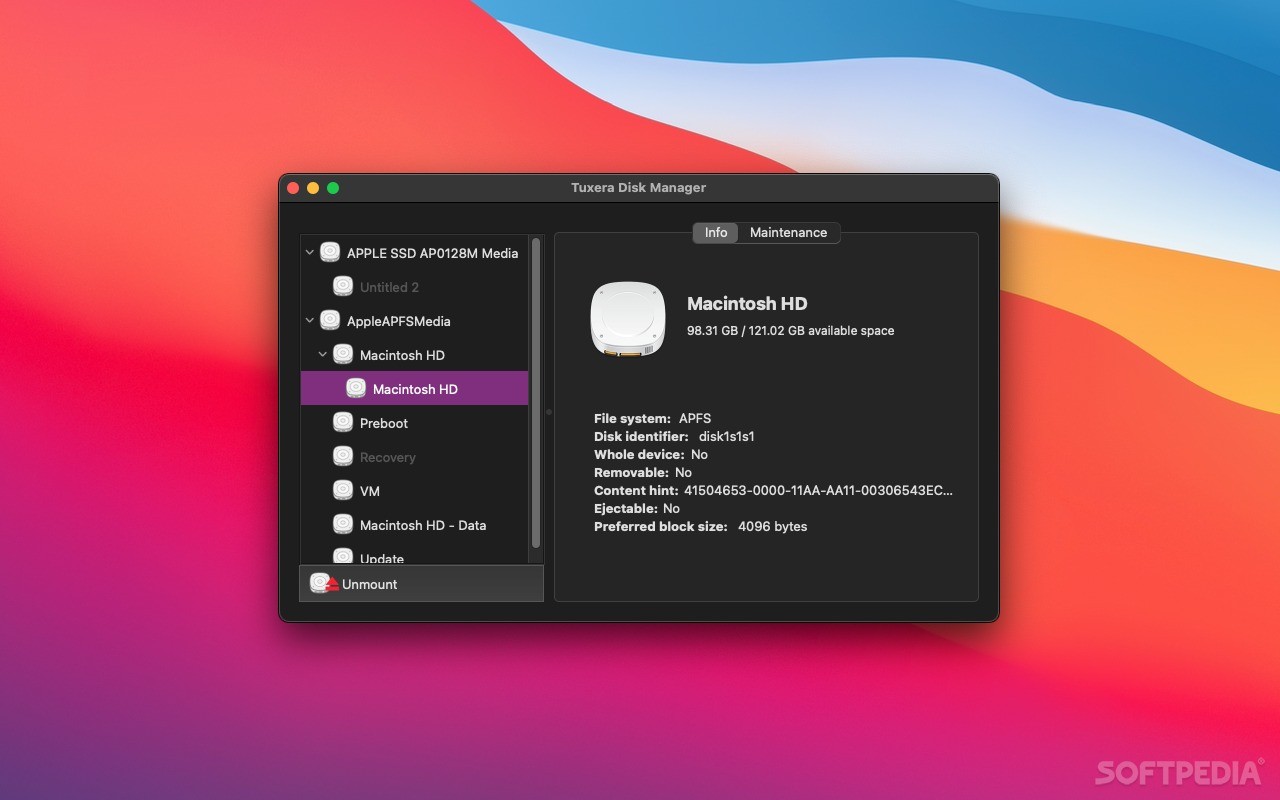
Haz doble clic para abrir Tuxera Disk Manager y selecciona un disco duro de la lista.
Abre Preferences (Preferencias) en el menú superior izquierdo y sigue las indicaciones de la pantalla.
Pulsa Unlock (Desbloquear); después, copia y pega tu clave de activación para activar el software.
Instrucciones originales del proveedor
Download the trial version https://download.tuxera.com/mac/tuxerantfs_latest.dmgor via the official site Double‑click to open Tuxera Disk Manager, then select a hard drive from the list. Open Preferences from the top‑left menu and follow the on‑screen prompts. Click Unlock, then copy and paste your activation key to activate the software.
Hay existencias
Preguntar por este producto
Valoraciones
No hay valoraciones aún.